Services and pricing
Explain what you offer, lay out your packages, and make it clear how to work with you.
You already think things through in ChatGPT. Your next website can start there, too. Add Ember to design a new site, edit one you own, and publish when you're ready.
Use your ChatGPT account and an Ember account. No API key to copy.
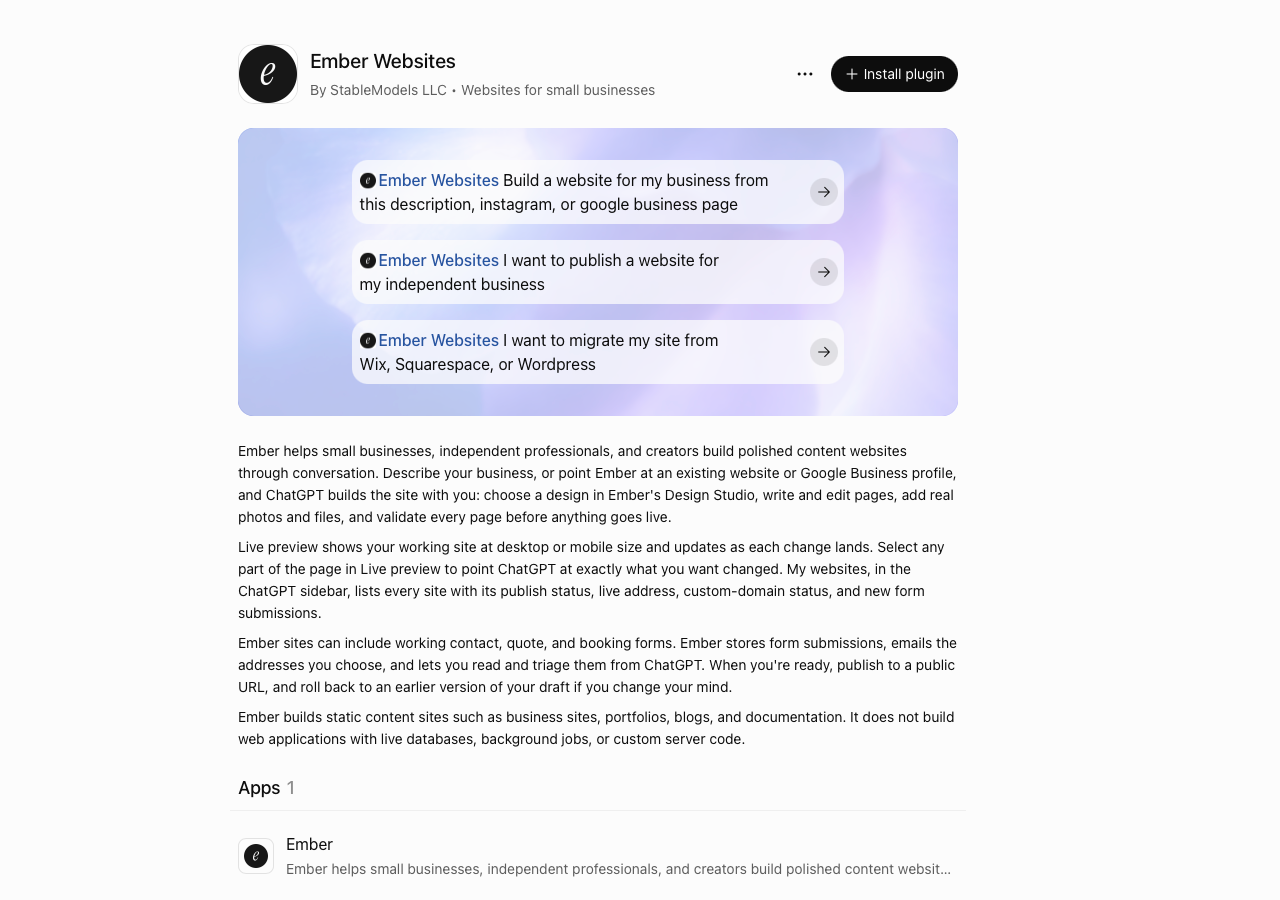
ChatGPT is where you chat. Ember is where your sites live. Connect the two once, then work on your website from a ChatGPT conversation.
Visit Ember Websites in ChatGPT and select Install plugin. If you're signed out, sign in to ChatGPT first.
When Ember asks you to sign in, use Continue with Google or your Ember email and password. New to Ember? Choose Create your free account to register with Google or email. If you already have sites, use the account that owns them.
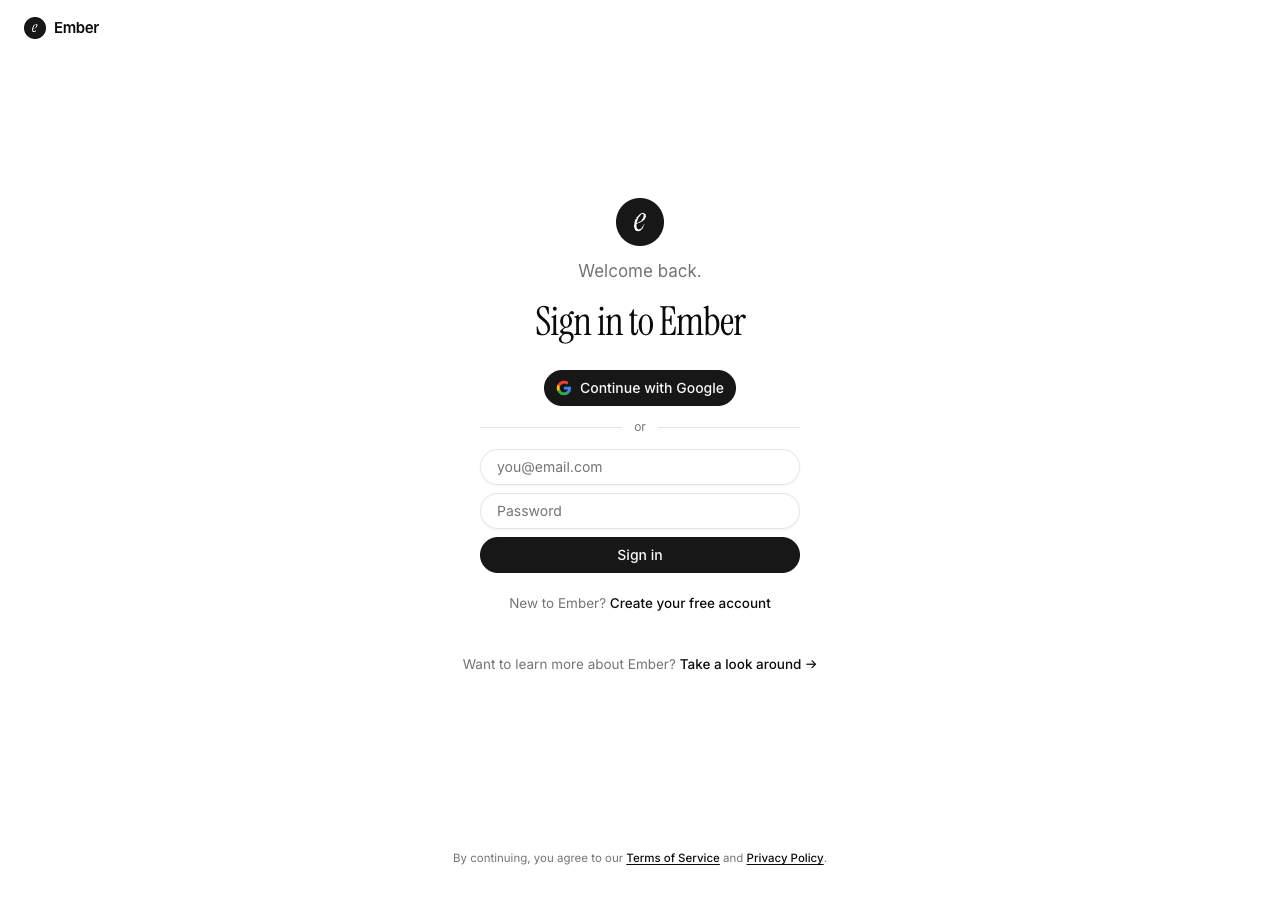
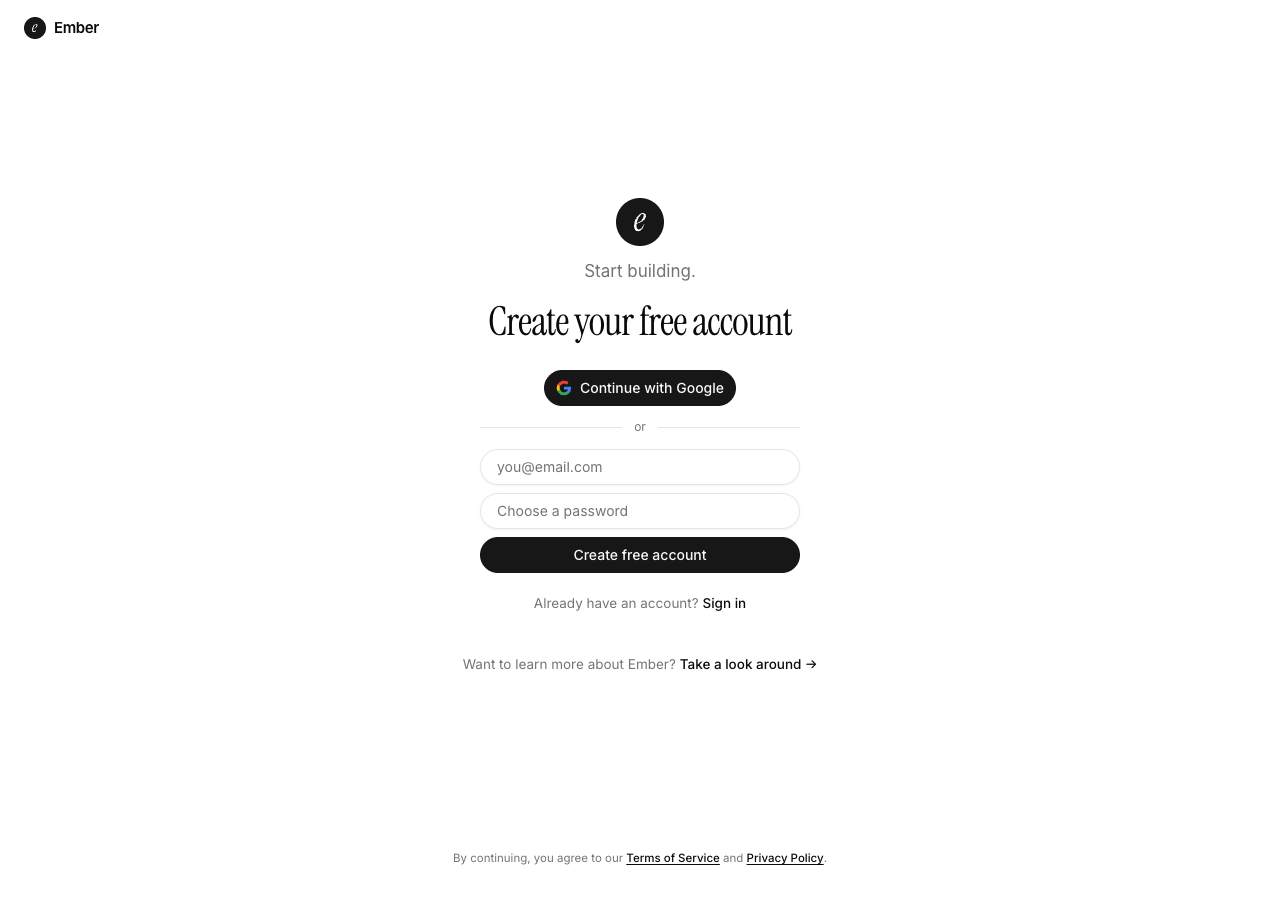
Once you have connected ChatGPT to your Ember account, open a new ChatGPT chat and paste a prompt like this to get started with a new website for your business.
Use Ember Websites to create a new website for Juniper Studio, my one-person brand design business. Include services, a portfolio, an about page, and a contact form. Use sample copy. Let me choose the design, then show me a private preview.
Real browser captures. Screenshots show the public plugin listing and Ember's sign-in forms, not a completed signup or consent screen. Select an image to see it full size.
Workspaces: on ChatGPT Business, Enterprise, and Edu, a workspace admin may need to allow Ember Websites before members can add it. Each member connects their own Ember account.
Direct connection: with Developer mode on (Settings → Security and login), open Plugins, add a custom MCP server, and enter https://embersites.app/mcp. Connect and authorize your Ember account. Your workspace's settings may restrict custom servers.
Disconnecting: you can manage or disconnect Ember from its plugin page or your ChatGPT settings at any time.
Tell ChatGPT what your business needs. Ember's design picker and live preview appear right in the conversation, on a site you can update by chatting.
Explain what you offer, lay out your packages, and make it clear how to work with you.
Show your projects, photography, or client work with images and the stories behind them.
Share articles, guides, and updates. Ask ChatGPT to use Ember when it's time to add something new.
Give visitors a way to ask a question or inquire about working with you, right from your site.
Use Ember Websites to build a website for a neighborhood bike repair shop called Spoke & Chain. Include services, prices, hours, and a contact page. Let me choose the design, then show me a private preview.
Use Ember Websites to list my Ember sites. Open my bike shop site, add a case studies page, and make the homepage headline more direct. Keep the current design and show me a preview.
Ember Websites is made by StableModels, not by OpenAI. ChatGPT and OpenAI branding appears in unaltered screenshots of their product; this is an Ember guide, not an OpenAI endorsement.
Add Ember, bring your idea, and make a site you can share.